
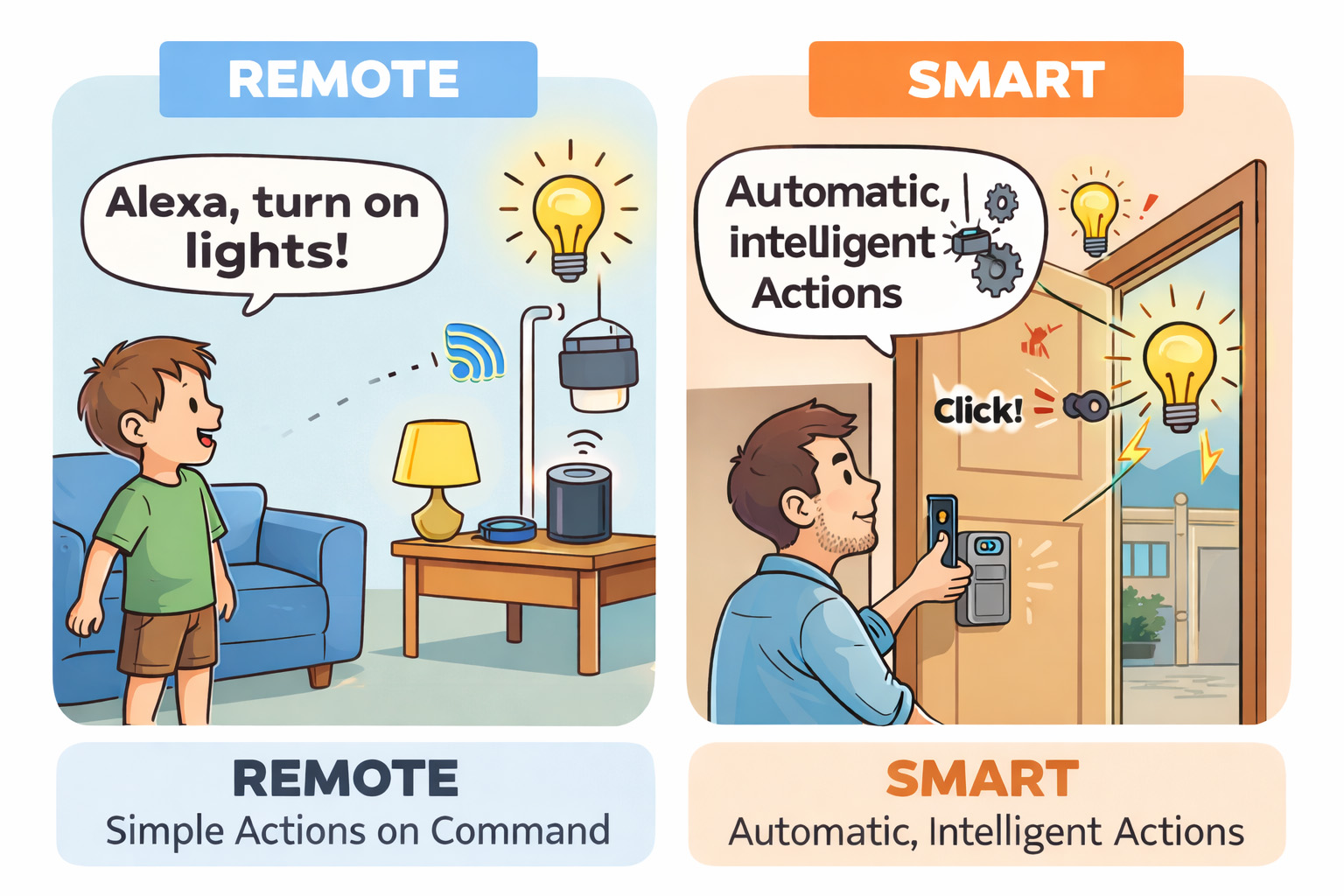
You’ve probably seen it before.
A child shouts “Alexa, switch on the living room!” and the lights come on instantly. Nobody touches a switch. Nobody even stands up. It feels like magic, and you think:
If a ten-year-old can do this, surely automating a self storage building should be easy.
That technology is IoT. The concept is simple:
- Devices connect to Wi-Fi
- You add them in an app
- You control them remotely
- And if you link Alexa, children can boss your house around
But here’s the problem:
IoT is very good at doing simple things on command.
The moment you want something “smart” rather than “remote,” the magic collapses.
The Two Automations I Needed
For a humanless self storage facility, I needed two key automations:
- Smart lighting:
If people are present, lights switch on around them. If the building is empty, lights switch off. - Smart access:
If rent is paid, access works. If rent is overdue, access is disabled. Once paid again, access reactivates.
Simple. Logical. Almost too logical.
My First Idea: Use Smart Cameras
I thought I’d cracked it: use smart cameras as both CCTV and human detectors.
So I installed Tuya smart cameras and switches at home for testing.
Darren could shout:
“Alexa, switch on living room!”
And it worked perfectly.
But what I really needed was this:
If Camera B detects a human → switch on Light A.
That’s when everything fell apart.
“Humanoid Alert”… That Isn’t Actually an Alert
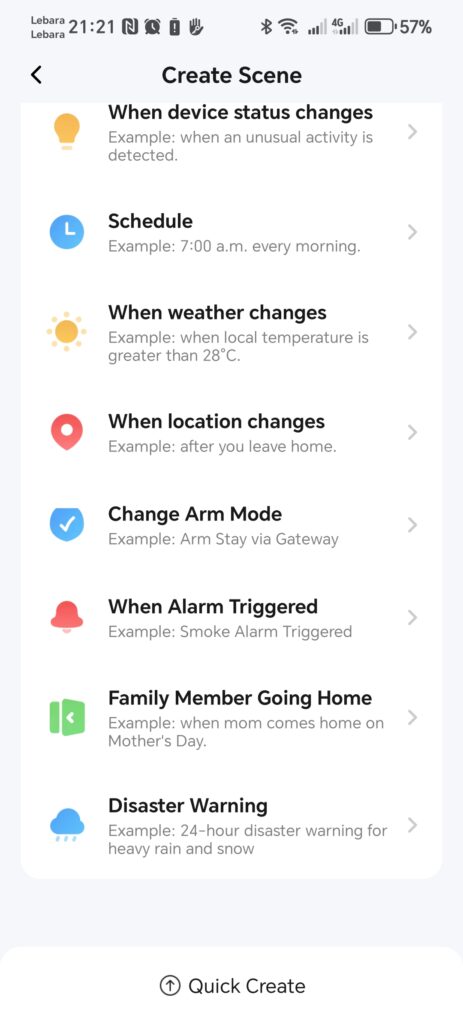
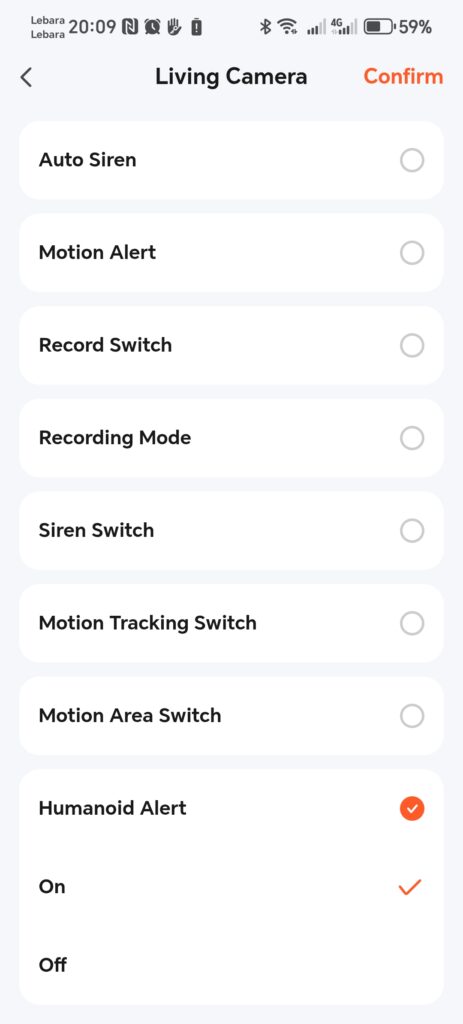
The Tuya app has a condition/trigger called Humanoid Alert (see screenshot on the left).
I thought it was perfect.
It wasn’t.
Tuya treats “Humanoid Alert” as a setting (ON/OFF), not as an event (human detected).
So it’s basically saying:
“Yes, we detect humans… but no, you can’t automate anything useful with it.”
I thought I must be missing something.
But I wasn’t.
The Moment I Asked ChatGPT
At first I blamed myself.
Then I asked ChatGPT — and it confirmed:
It wasn’t me.
The consumer Tuya app is designed for basic automations only.
If I want real automation — especially access control tied to billing — I’d need to use the Tuya Developer Platform:
APIs. Developer keys. Event callbacks. Webhooks. Scripts.
So now I faced a choice:
Do I take on the complexity of Tuya’s developer platform?
Or do I open my purse for the overpriced and outdated “commercial” systems?
Next Chapter: How to Control Devices via Tuya APIs (beyond APP)?
free to follow my BSS Journey — where every “simple idea” eventually demands a degree in software engineering.
Leave a Reply